


1. Twofold
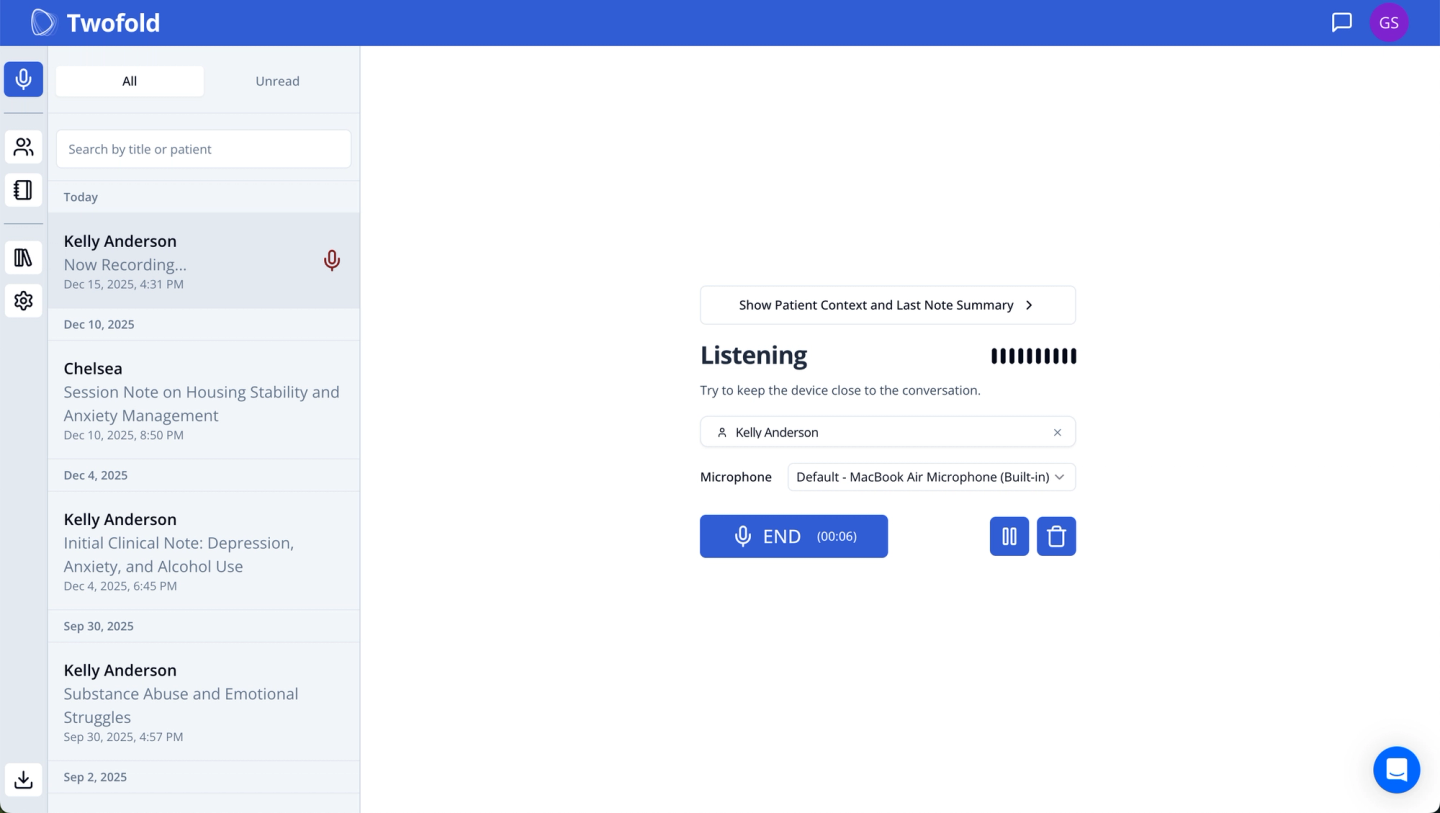
What Does It Do
Twofold generates structured drafts for social work documentation using recordings, dictated summaries, or typed inputs, with configurable templates designed for clinical workflows.
Who Is It For
- Clinical social workers handling therapy, case management, or integrated care notes
- Teams that want one tool across multiple note types without being locked into an EHR
Key Features
- Flexible input methods (recording, dictation, text, upload)
- Custom templates suitable for BIRP, GIRP, DAP, SOAP-style notes
- Unlimited notes on the listed plan
- Vendor-stated BAA and zero-retention approach for audio
Pros
- Affordability: Flat pricing scales well with higher caseloads
- Customization: Does not force session recording in every workflow
- Privacy: Clear, publicly documented privacy and BAA posture
- EHR-agnostic: easier to keep your current practice stack.
- Mobile friendly: easy-to-use iOS and Android apps
- 24x7 human support: available for all tiers and all users
Cons
- Copy-paste step required if your EHR does not integrate directly
Pricing
- 49/month billed annually
Privacy, HIPAA, BAA Notes (Vendor-Stated)
- States HIPAA compliance, provides a BAA, and claims audio is deleted after processing
What Clinicians Say
- https://www.reddit.com/r/therapists/comments/1ks00q1/best_ai_platform_for_notes/
Discusses cost, template flexibility, and why teams shortlist Twofold - https://www.reddit.com/r/therapists/comments/1e58qud/ai_for_notes/
General discussion on AI note tools and compliance expectations
2. SimplePractice Note Taker
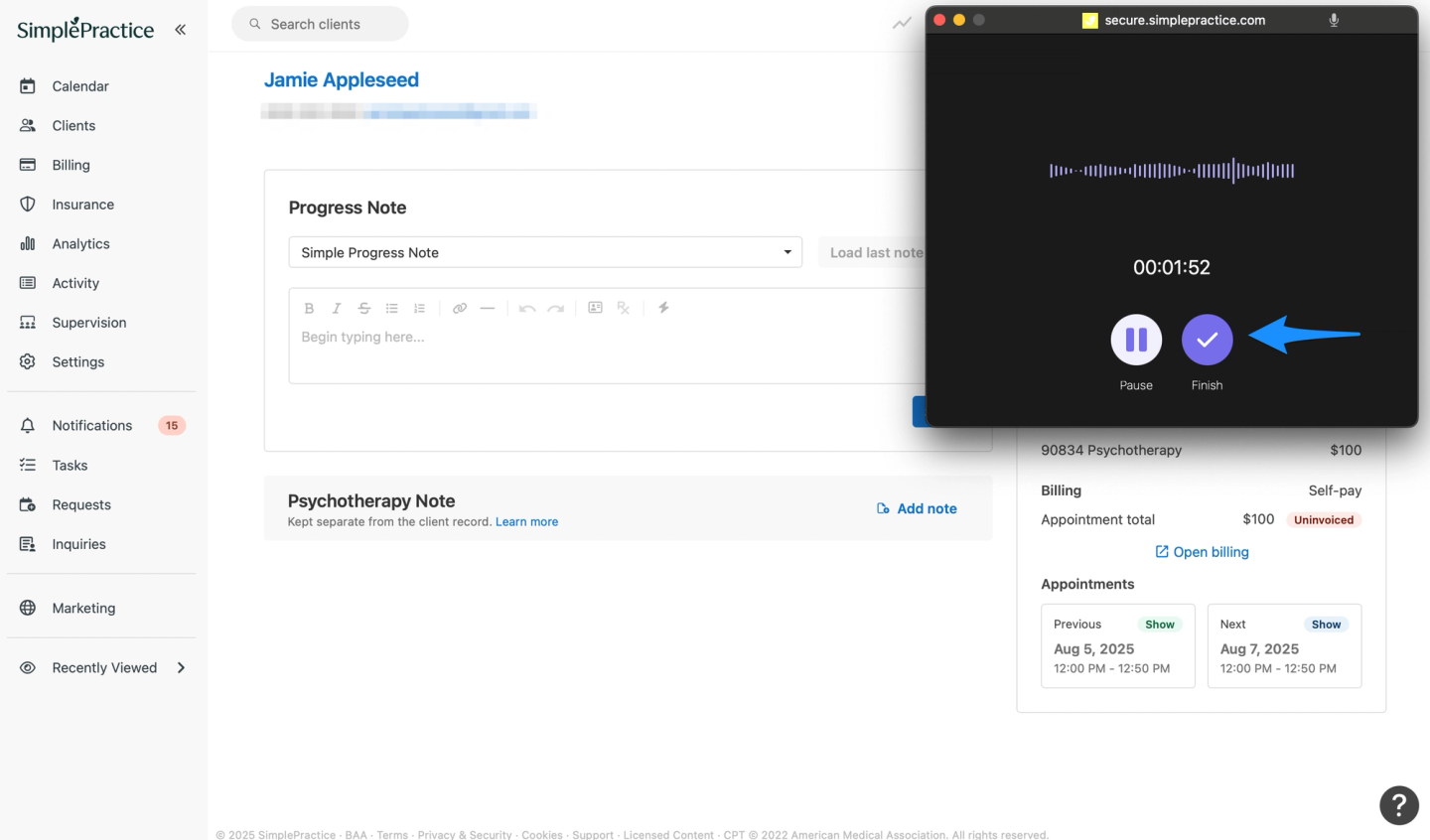
What Does It Do
An AI add‑on inside SimplePractice that creates draft notes from session audio or dictation.
Who Is It For
- Social workers already required to chart inside SimplePractice
Key Features
- Draft notes generated directly inside the EHR
- Transcript available temporarily after sessions
- Dictation and upload workflows supported
Pros
- No need to export notes to another system
Cons
- Add-on pricing increases per-clinician costs
- Output quality varies by template and session type
- Limited customization compared to standalone tools
- Tied entirely to SimplePractice ecosystem
Pricing (Highest Tier)
- $35/month per enabled clinician
Privacy, HIPAA, BAA Notes
- Markets HIPAA and HITRUST alignment; BAA available through SimplePractice
What Clinicians Say
- https://www.reddit.com/r/therapists/comments/1lh72j5/simple_practice_and_its_new_ai_note_taker/
Discusses rollout experience and trust concerns - https://www.reddit.com/r/SimplePractice/comments/1mf87zj/note_taker/ Mentions underwhelming output and cost concerns
3. TherapyNotes TherapyFuel
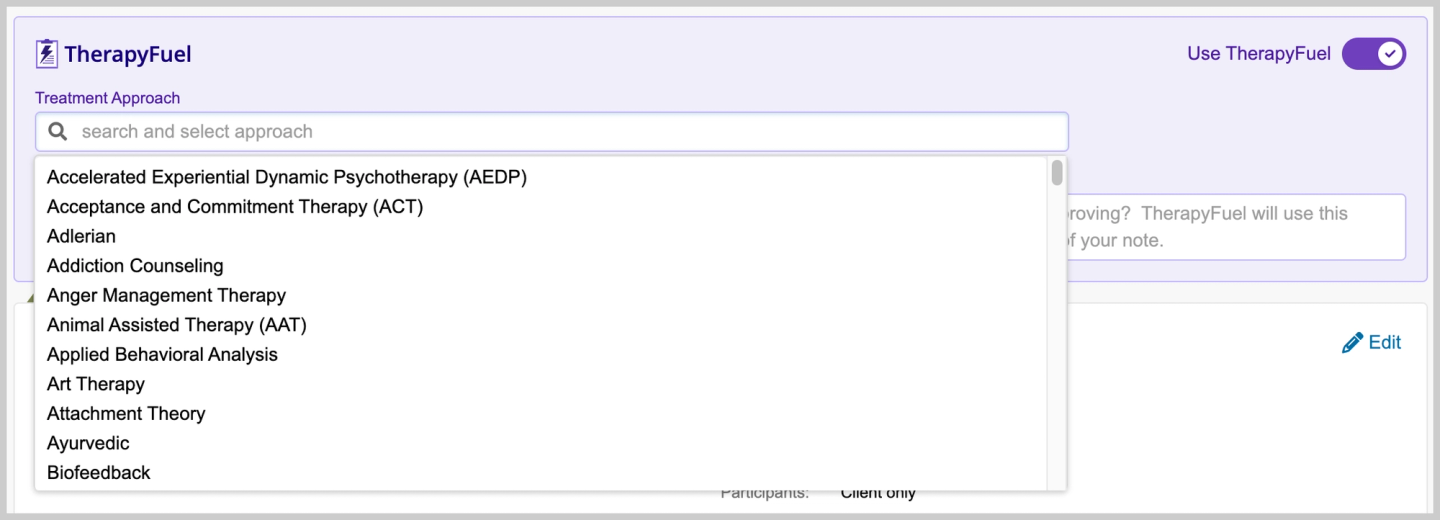
What Does It Do
AI assistance inside TherapyNotes for documentation and selected admin tasks like summaries and contact notes.
Who Is It For
- Agencies already standardized on TherapyNotes
Key Features
- Generates notes from typed summaries
- Supports contact notes and client history summaries
Pros
- Stays entirely within TherapyNotes
Cons
- Limited flexibility outside predefined workflows
- Less useful if you want ambient or dictation-first capture
- Value perception varies widely in community feedback
- Locked to TherapyNotes long-term
Pricing (Highest Tier)
- $40/month per clinician
Privacy, HIPAA, BAA Notes
- Covered under TherapyNotes BAA; retention rules defined by the EHR
What Clinicians Say
- https://www.reddit.com/r/therapists/comments/1nduxbh/therapyfuel/
Questions whether the add-on is worth the cost - https://www.reddit.com/r/therapists/comments/1jejwzi/ai_note_assistance_without_recordingtranscribing/
Discusses non-recording workflows and limitations
4. Upheal
What Does It Do
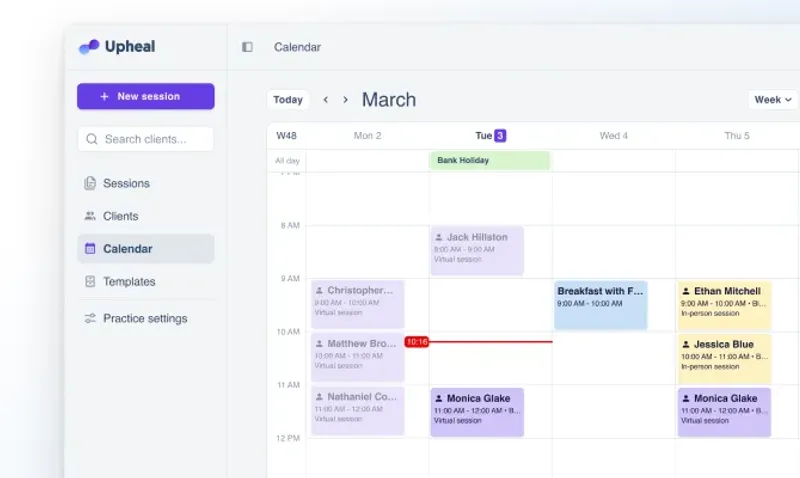
Generates notes from recordings or summaries, often used alongside telehealth platforms.
Who Is It For
- Social workers splitting time across multiple platforms
Key Features
- Supports recorded and summary-based workflows
Pros
- Flexible capture options
Cons
- Higher price at the top tier
- Editing time varies significantly by input quality
- Recording-centric workflows can complicate consent
- Less opinionated structure for social work-specific notes
Pricing (Highest Tier)
- $1/session capped at $69/mo per provider (Upheal moved to usage-based pricing in 2026; the older $99 Premium tier was retired)
Privacy, HIPAA, BAA Notes
- Publishes BAA and HIPAA compliance materials
What Clinicians Say
- https://www.reddit.com/r/therapists/comments/16sv9xk/thoughts_on_ai_notewriting_software/
Describes recording-based workflows and pros/cons - https://www.reddit.com/r/therapists/comments/164417v/anyone_using_mentalyc_or_upheal_for_their_notes/
Mentions friction when switching to upload or recording models
5. Mentalyc
What Does It Do
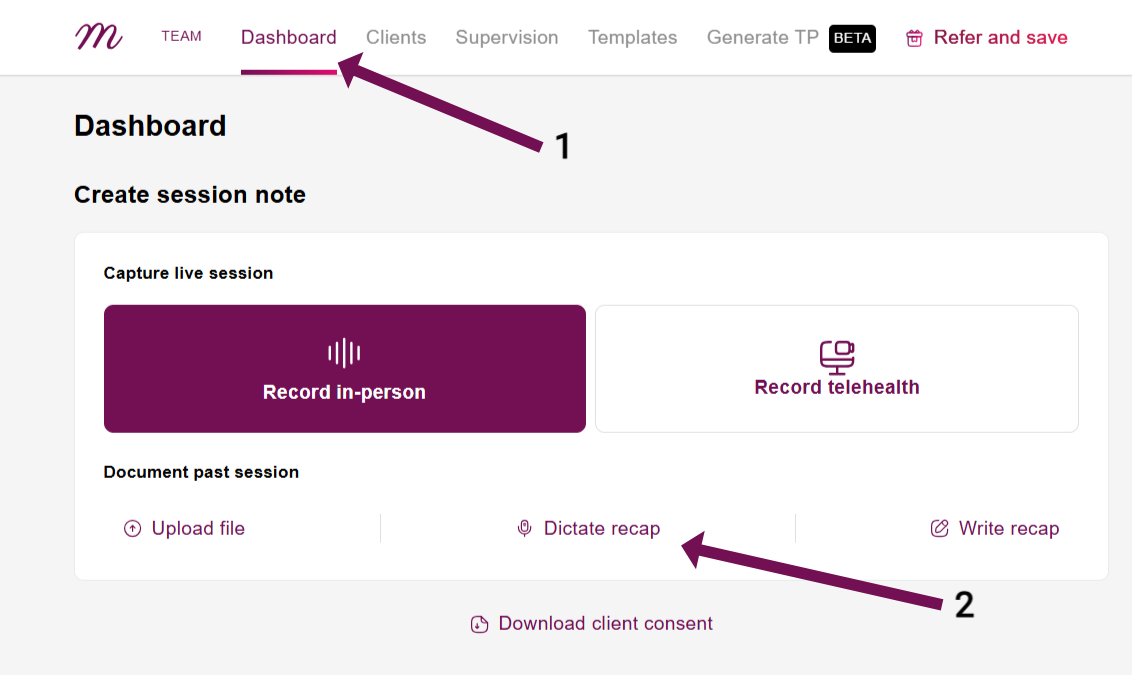
Standalone AI note tool with tiered plans and usage caps.
Who Is It For
- Social workers who want predefined templates and capped usage
Key Features
- Multiple input methods
- Large template library
Pros
- Clear tier structure
Cons
- Highest tier pricing is relatively expensive
- Community reports of accuracy issues
- Usage caps require monitoring
- Audio retention window may not fit all policies
Pricing (Highest Tier)
- $119.99/month (Super)
Privacy, HIPAA, BAA Notes
- Mentions HIPAA, SOC 2, and BAA in vendor materials
What Clinicians Say
- https://www.reddit.com/r/therapists/comments/1l9m5ld/found_major_errors_in_my_mentalyc_ai_notes_anyone/
Reports accuracy issues and need for careful review - https://www.reddit.com/r/therapists/comments/1i9x48m/iso_recommendations_for_best_hipaacompliant_ai/
Discusses usability and speed concerns
6. Blueprint AI
What Does It Do
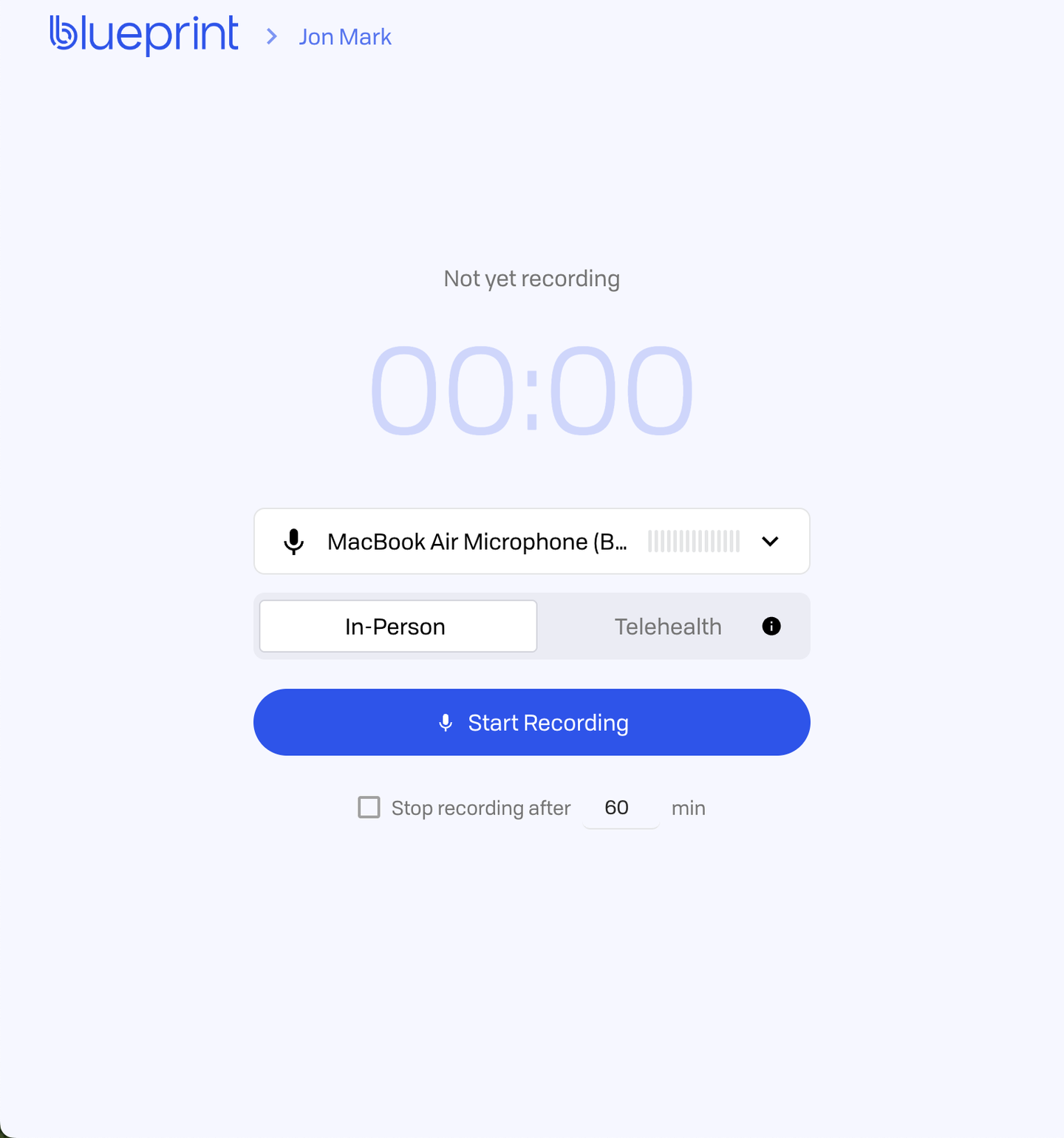
AI documentation tool priced per session, positioned as part of a broader platform.
Who Is It For
- Teams that prefer usage-based pricing
Key Features
- Per-session billing
- Recording, dictation, and upload workflows
Pros
- Transparent per-session pricing
Cons
- Can become costly at full caseloads
- Output quality varies by note type
- Less control over structure than template-first tools
- Requires careful consent handling
Pricing (Highest Tier)
- $1.49 per session (Pro)
Privacy, HIPAA, BAA Notes
- Publishes BAA and HIPAA compliance information
What Clinicians Say
- https://www.reddit.com/r/therapists/comments/1fzcjkj/blueprint_for_documentation/
Discusses consent language and cost sensitivity - https://www.reddit.com/r/therapists/comments/1m33mrr/best_ai_note_taker/
Mentions "pricey but useful" perceptions
Conclusion
If you are searching for the best AI note taker for social workers in 2026, the most dependable place to start for most social work documentation workflows is Twofold. The reasons are practical rather than hype: it combines a flat pricing model, configurable templates that map to common social work note structures, and vendor‑stated BAA and retention claims that make compliance reviews easier to operationalize.
Above all: whichever tool you choose, treat AI output as a draft, align it with your consent and retention policies, and pick the workflow that reduces your total time (capture + edit + finalize), not just the time to generate the first draft. See also our mental health AI scribe roundup.