

Free for a week, then $19 for your first month
Template

Attendance Log Template

Discover practical Attendance Log templates to enhance your documentation efficiency.

Attendance Log Template Hero Image

It's a whirlwind kind of day. The clinic is bustling, patients are flowing through, and keeping track of their arrivals is paramount. You've heard of the Attendance Log Template, but knowing how to effectively document it may not be crystal clear. Follow along to ensure you capture every crucial detail with accuracy and ease.

What Is an Attendance Log Template?

An Attendance Log Template is a structured form used in medical settings to track the arrival and departure of patients. This template ensures that all relevant patient attendance details are consistently recorded.

By using this template, healthcare providers maintain an organized record, aiding in patient management and ensuring a smooth operational workflow within medical facilities.

Key Components of an Attendance Log?

The following are essential elements within an Attendance Log:

  • Patient's Full Name
  • Patient ID or Record Number
  • Date of Visit
  • Time of Arrival
  • Time of Departure
  • Reason for Visit
  • Clinician Name or ID
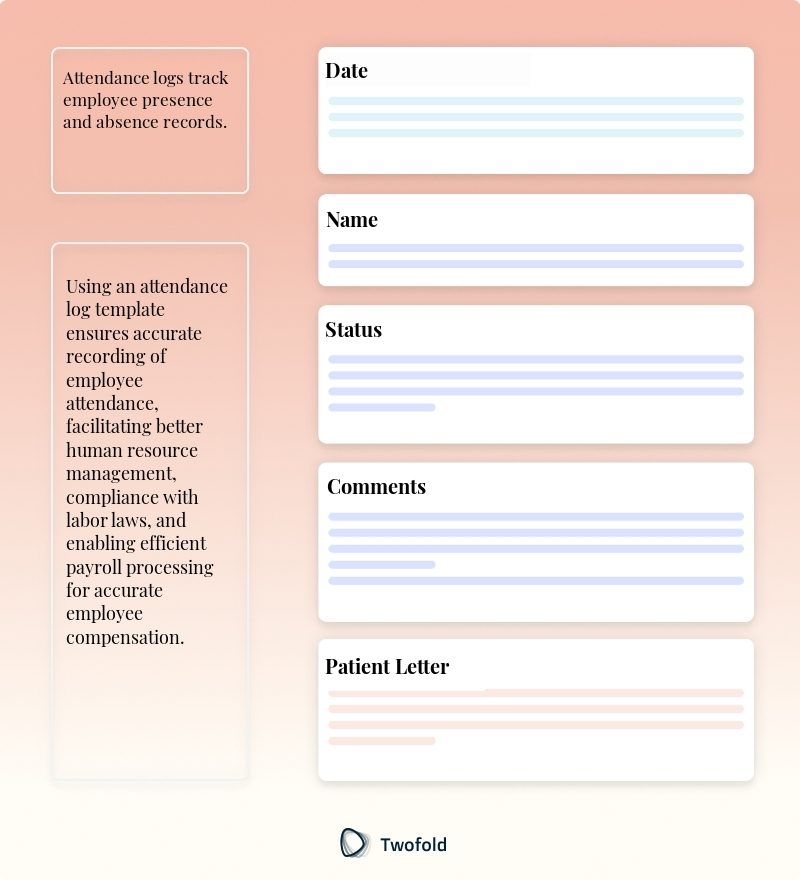
Key Components of Attendance Log Template

How to Use an Attendance Log Template: Step-by-Step Process

Step 1: Prepare the Log

Before starting the day, ensure the template is ready, whether on paper or digitally, to commence recording promptly as patients arrive.

Step 2: Collect Patient Information

As patients arrive, gather necessary details such as their name, patient ID, and reason for visit. Ensure all information is accurate and complete.

Step 3: Record Arrival Time

Immediately log the arrival time to keep accurate records of when each patient enters the facility.

Step 4: Document Departure

Note the departure time once the patient has completed their consultation and any necessary follow‑ups.

Step 5: Review and Update

At the end of the day, review the log for completeness and update any missing or pending information.

Benefits of an Attendance Log

Benefit

Description

Improved Efficiency

Streamlines patient flow management and reduces wait times.

Accurate Record Keeping

Maintains an accurate history of patient visits for future reference.

Enhanced Communication

Facilitates better communication among staff about patient schedules and needs.

Data for Analysis

Provides data that can be analyzed to improve facility operations and services.

Stakeholders in Attendance Log

Various stakeholders rely on the Attendance Log to ensure smooth operation within medical facilities:

  • Receptionists: John, a receptionist, needs the log to manage and direct patient flow effectively.
  • Doctors: Dr. Smith uses the log to understand patient arrival times and manage consultations efficiently.
  • Administrators: Sarah, from the admin team, analyzes logs to assess peak visit times and allocation of resources.
  • Patients: Emily appreciates the quick processing facilitated by the organized records from the log.

Example of an Attendance Log

A typical attendance log includes columns for patient names, arrival and departure times, reasons for visits, and clinician names.

See Template Example

Real-World Use Cases: Practical Impact of the Attendance Log Template

Attendance Logs have proven benefits in practice, improving operational flow and service delivery:

  • In a busy urban clinic, Anna uses the log to reduce confusion and overlap of patient appointments, leading to shorter waiting periods.
  • Gilbert, a healthcare administrator, uses data from the logs to adjust staffing levels during peak times, optimizing resources.
  • At a rural healthcare center, tracking attendance helps the staff identify frequently visited patients who may need additional follow-up care.

Conclusion

The Attendance Log Template is an invaluable tool in medical documentation, ensuring precise and effective patient management. By adhering to best practices and understanding its components, this template significantly enhances healthcare facility operations, communication, and service delivery.

Disclaimer: This article is for informational purposes only and does not constitute legal or medical advice. Always consult professional guidelines and regulatory bodies for specific compliance requirements.

FAQ

Frequently asked questions

  • How should cross-departmental patient transfers be recorded using the Attendance Log Template?

    For patients transferring between departments, consider using separate yet linked entries in the Attendance Log to maintain clarity. Record the initial 'Time of Arrival' in the first department, and then create a new entry with the new department's 'Time of Arrival' to track both the continuity and transitions within the facility.

    Ensure each entry is linked via a unique patient identifier so that patient flow can be traced accurately across departments. This approach helps in generating detailed transfer reports while avoiding confusion in high‑volume hospitals.

    Implementing a standardized approach requiring departmental logs to synchronize will prevent data fragmentation and improve patient management visibility across departments.

  • What additional precautions should be taken when logging attendance for telehealth appointments?

    For telehealth appointments, the Attendance Log Template should be adapted to capture unique identifiers relevant to digital consultations, such as the platform used (e.g., Zoom, Telecare), connection start and end times, and any technical issues encountered.

    Incorporate fields for verifying patient identity over digital means, and ensure patient consent and privacy policies are adhered to in your logs, as digital interactions can be less personal.

    These modifications help maintain comprehensive records inclusive of digital consultations, ensuring completeness in patient history logs and assisting the facility in adapting to hybrid service delivery models.

  • How might an Attendance Log handle emergency situations that bypass normal logging steps?

    During emergency influx, it is crucial to design the Attendance Log Template with flexibility to adapt to streamlined entry methods, such as bulk entry features or retrospective logging option.

    Establish a protocol that allows the basic identity, a unique incident ID, and initial triage information to be captured swiftly, and refine the details post‑crisis.

    This approach ensures critical patient management workflows are not impeded during emergencies, while still securing sufficient initial data for post‑event analysis and reconciliation of patient records.