
Free for a week, then $19 for your first month
Template

Patient Demographics Template

Discover practical Patient Demographics templates to enhance your documentation efficiency.

Patient Demographics Template Hero Image

Picture this: You're sitting at your desk, drowning in a sea of paperwork, while patient information is scattered across an array of documents. It’s overwhelming, isn't it? Well, this chaos can be streamlined using the Patient Demographics Template. Curious about how this can transform your documentation woes into a smooth process? You've come to the right place!

What Is a Patient Demographics Template?

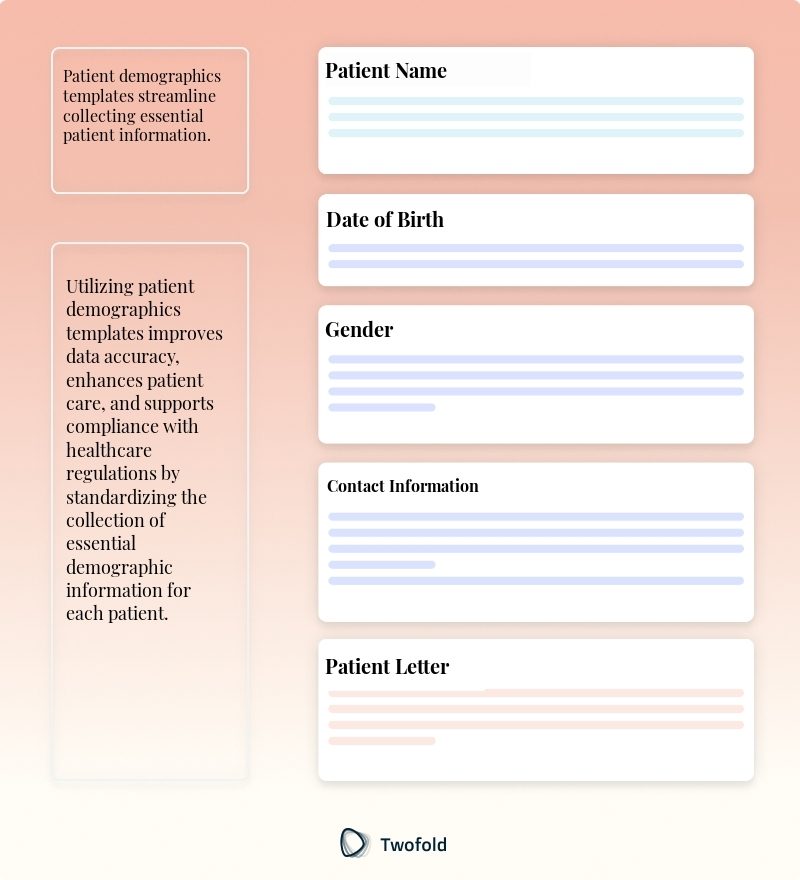
A Patient Demographics Template is an organized layout that captures essential information about a patient. It typically includes age, gender, contact information, and medical history.

This template is fundamental in building a comprehensive profile of each patient, which healthcare facilities use for various administrative and clinical purposes.

Key Components of a Patient Demographics Template

At the heart of a Patient Demographics Template are key elements that facilitate effective patient tracking and management:

  • Full Name
  • Date of Birth
  • Contact Information (phone and email)
  • Address
  • Gender
  • Race/Ethnicity
  • Primary Language
  • Insurance Information
  • Emergency Contact Details
Key Components of Patient Demographics Template

How to Use a Patient Demographics Template: Step-by-Step Process

Step 1: Gather Required Information

Collect the necessary patient details, ensuring you have complete and accurate information.

Step 2: Enter Data into the Template

Input the gathered information into the respective fields of the demographics template carefully.

Step 3: Verify the Data

Double‑check the entered data against the patient's records for accuracy and completeness.

Step 4: Regular Updates

Keep the demographic data up to date by revisiting and revising it as necessary during follow‑up visits.

Benefits of a Patient Demographics Template

Benefit

Description

Improved Accuracy

Consistent format reduces errors in patient records.

Streamlined Communication

Access to up-to-date information simplifies communication between departments.

Time Efficiency

Pre-filled fields reduce time spent on data collection.

Enhanced Patient Care

Comprehensive profiles enable personalized care plans and faster diagnosis.

Stakeholders in Patient Demographics

Numerous stakeholders rely on patient demographic information to fulfill their roles effectively:

  • Clinicians: Access complete demographics for accurate diagnoses and treatment plans.
  • Administrative staff: Use demographics for scheduling and billing efficiently.
  • Insurance companies: Require up-to-date patient demographics to process claims correctly.
  • Researchers: Leverage aggregated demographic data to identify trends and inform healthcare policies.

Example of a Patient Demographics Template

Here's a well‑structured example that outlines the primary elements of a patient demographics template in practical use.

See Template Example

Real-World Use Cases: Practical Impact of the Patient Demographics Template

Incorporating a Patient Demographics Template has shown significant impacts across numerous real‑world scenarios:

  • A hospital enhanced its emergency response time by having accurate patient information readily available at critical moments.
  • A clinic improved its patient follow-up care by sending personalized reminders based on current demographic data.
  • An insurance company streamlined its processing of claims by instantly accessing complete demographics, reducing back-and-forth communication.

Conclusion

Implementing a Patient Demographics Template effectively bridges the gap between accurate data management and high‑quality patient care. By ensuring complete and current patient data, healthcare providers can reduce errors, improve communication, and enhance overall care delivery. Empower your practice with structured demographic documentation, and watch as the quality of service and patient satisfaction soars.

Disclaimer: This article is for informational purposes only and does not constitute legal or medical advice. Always consult professional guidelines and regulatory bodies for specific compliance requirements.

FAQ

Frequently asked questions

  • How should the Patient Demographics Template be adapted to cater to diverse patient populations with complex gender identities?

    Adapting the template to include comprehensive fields for gender identity is crucial. This involves adding options beyond binary selections and considering fields for preferred pronouns and titles.

    Healthcare providers should be educated on asking and documenting this information sensitively, as misidentification can lead to patient discomfort and care disparities.

    Utilize electronic health records (EHR) systems that support flexible data fields to accommodate these customizations and ensure accurate representation and support inclusion.

  • What strategies can be implemented to ensure data accuracy in patient demographics when dealing with language barriers?

    Implementing multilingual support within the patient demographics template is key. This involves providing translation services or multilingual forms to facilitate accurate data collection.

    Train staff to use language line services or professional interpreters during the enrollment process to ensure comprehension and correct entry of information into the system.

    Consider technological solutions like language preference detection tools within patient portals to better service non‑native speakers automatically, thereby reducing miscommunication and errors.

  • How can we effectively integrate patient demographics with EHR systems to enhance cross-departmental functionalities?

    Integration with EHR systems requires standardized data formatting and mapping to ensure compatibility across different software. Develop interoperability protocols and APIs to facilitate seamless data exchange.

    Ensure robust data validation processes are in place to maintain data integrity during integration. This involves regular syncing and cross‑departmental audits to identify and rectify discrepancies.

    Implement role‑based access controls within the EHR to maintain patient confidentiality and provide tailored access levels to different departments according to their specific data needs.