



Brief Answer
Most solo docs treat AI documentation tools as a practice expense that has to earn its keep in one of three ways. It either frees enough time to see a few more visits per week, protects personal time in a way that prevents burnout, or avoids paying for human scribe or extra admin support.
If the tool does not save at least one hour a day or a few hours a week after the first month, solos usually downgrade, use it only on specific visit types, or cancel. The ones who keep it long term tend to use a mix of trial periods, monthly rather than annual plans at first, and clear rules for which visits always use the AI scribe.
The Longer Answer
For affordability it helps to separate feelings from numbers and then look at a few common solo practice patterns.
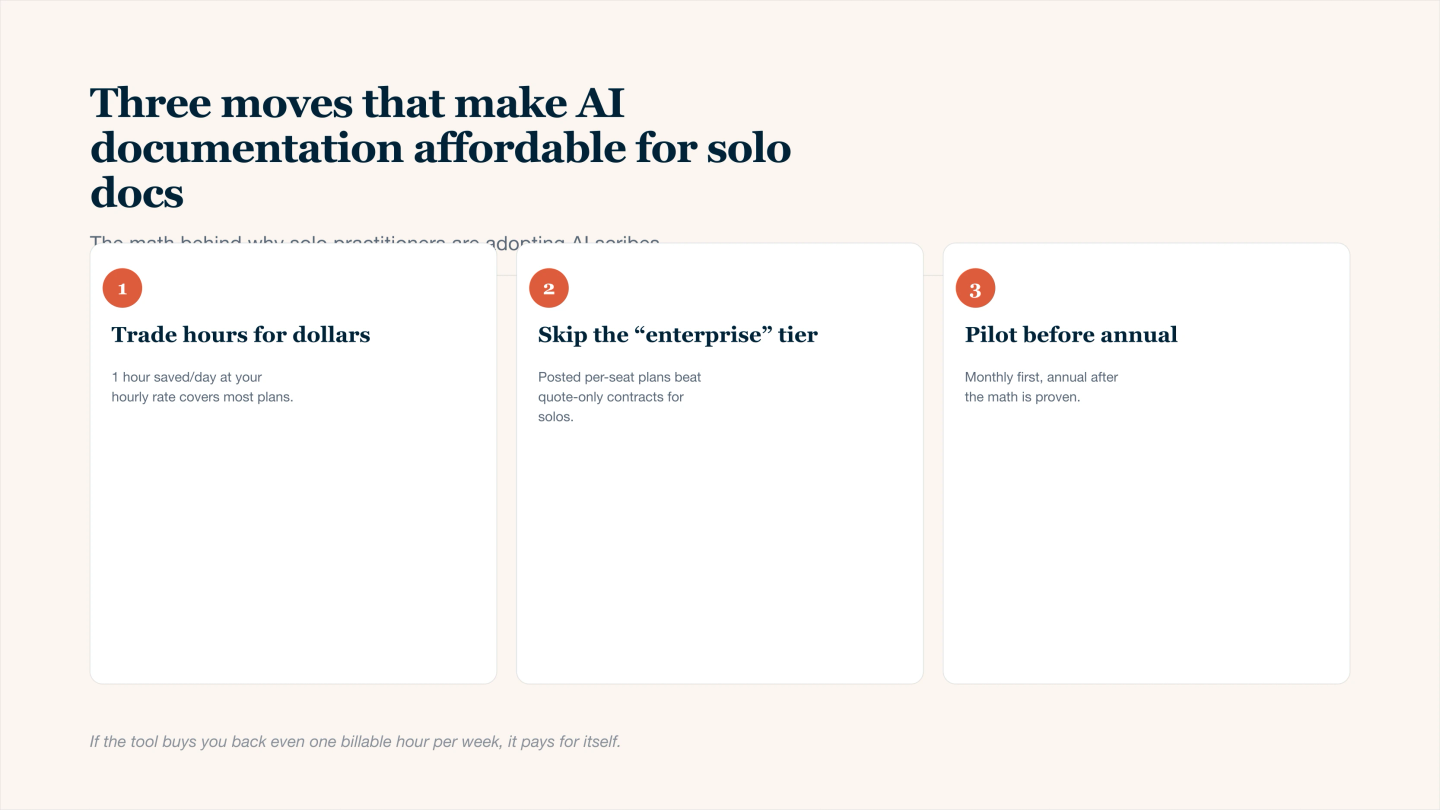
Three moves that make AI documentation affordable for solo clinicians.
1. What “affording it” usually means for solos
Solo physicians are usually asking:
- Can this subscription be covered by one or two extra visits a month
- Does it reduce the need for human scribe time or overtime admin hours
- Does it meaningfully reduce evening and weekend work
- Does it justify itself at tax time as a business expense
If the answer is yes to at least two of these, most solos consider it workable.
2. Simple cost and time picture
You can think of the tool as trading money for clinical hours and personal time.
Item | Example for a solo doc |
|---|---|
Clinic days per week | 4 to 5 |
Patients per day | 14 to 20 |
Minutes spent per note now | 7 to 12 |
Minutes per note with AI | 3 to 6 once you are used to it |
Time saved per day | Often 45 to 120 minutes |
Time saved per month | Roughly 8 to 20 clinical hours |
Subscription cost | Usually similar to one short visit per month |
If even one added visit per week is possible, or if you avoid paying for a part time scribe, the math is usually in favor of the tool.
3. Concrete ways solo docs make it affordable
You can use several levers at once instead of relying on just one.
- Start with the heaviest days or visit types
Use AI only on your worst charting days or only for multi problem chronic visits and new patients. This gives maximum time savings without needing it on every single encounter. - Match the cost to a visit count
Decide something like “this tool must pay for itself with one or two extra visits a month” and then protect a small block each week to add or keep those visits now that charting is faster. - Replace or reduce human scribe or admin hours
If you pay a scribe service or extra staff hours for documentation help, compare that cost with the AI tool. Many solos find they can reduce paid hours or shift staff to higher value tasks. - Use trials and month to month first
Avoid large annual commitments until you know your real time savings. Use the free trial or first month to measure evening charting time before and after. If it does not move the needle, do not keep it. - Treat it as a defined business expense
Account for it the same way you would EHR, malpractice, or CME tools. That mental shift often makes it easier to see it as part of the cost of doing business rather than a personal luxury.
4. When it is probably not worth it yet
AI documentation might be overkill if:
- You see a low number of patients and already finish notes in clinic
- Your documentation requirements are light and payers rarely request detail
- Most of your after hours load is messages, refills, and forms rather than notes
- You dislike speaking your reasoning out loud and prefer very brief notes
In those situations a lighter approach such as better templates and a short dictation workflow may be enough.
5. A quick decision frame you can use
Ask yourself three questions over a four week trial:
- Did my average end of day charting time decrease by at least 45 minutes on busy days
- Did I avoid at least one weekend charting session during the month
- Could I comfortably add two more short visits per week if I chose to
If the answer is yes to two out of three, most solo docs decide the tool is affordable as an ongoing practice expense.