

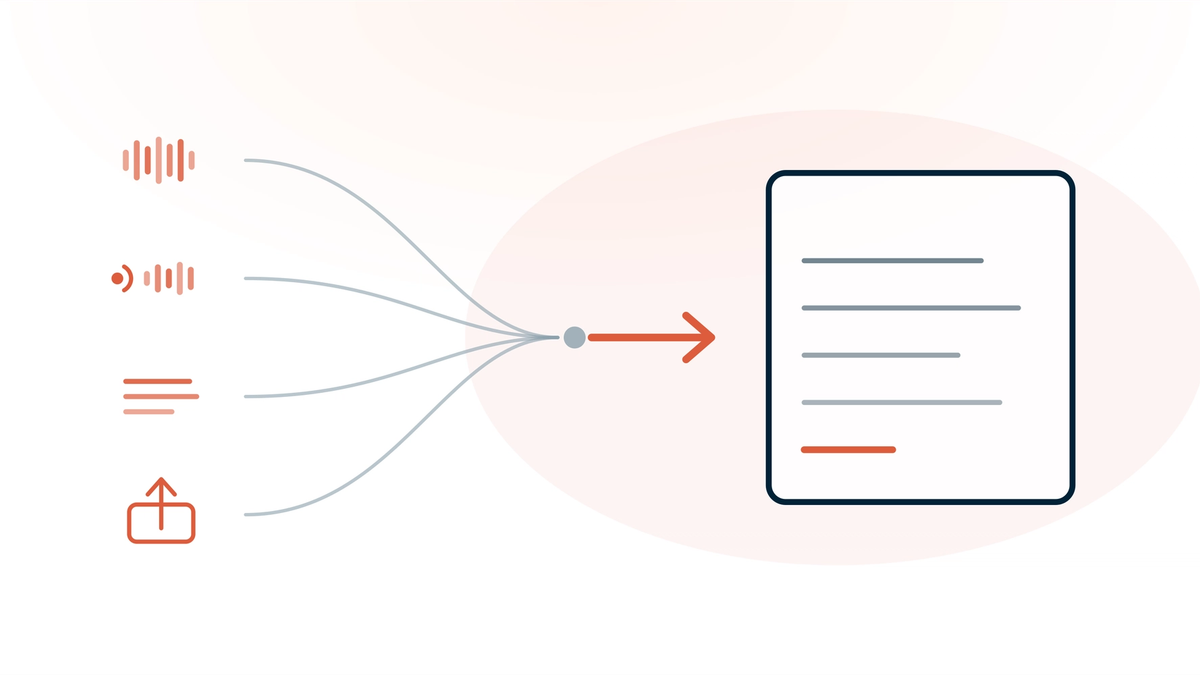
Twofold gives you four ways to create a clinical note: record the conversation, dictate a summary afterwards, type or paste your own text, or upload an audio file you recorded elsewhere. All four are available on every plan — none is reserved for a higher tier, and none costs extra. That matters more than it sounds, because the visit that breaks an AI scribe is rarely the ordinary one. It's the phone call, the home visit, the session where opening a laptop would have been intrusive, or the day the wifi died.
This guide covers what each mode is for, the limits on each, and which one to reach for in the situations where ambient recording isn't an option. Verified against Twofold's product on 28 July 2026.
The Four Ways, and When Each One Earns Its Place
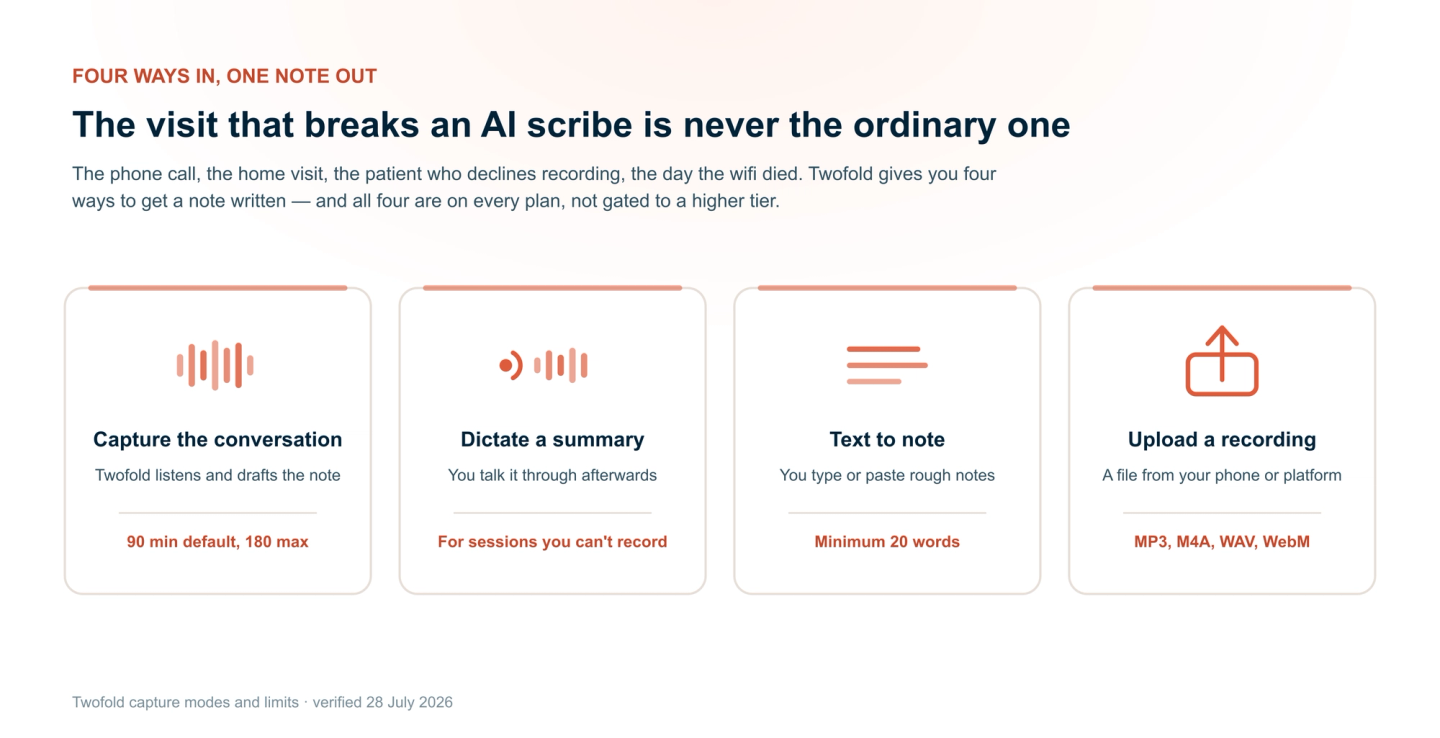
The Limits on Each Mode
Worth knowing before you rely on one of them mid‑clinic:
Mode | Limits | Good to know |
|---|---|---|
Capture conversation | 90 minutes by default, extendable to 180 | Audio is processed in memory and never written to storage on Twofold's servers |
Dictate a summary | Same length limits as recording | You control what goes in — useful when the session itself shouldn't be recorded |
Text to note | Minimum 20 words; maximum 50,000 words | No audio involved at all, so nothing to consent to recording |
Upload a recording | MP3, M4A, MP4, WAV, WebM, MPEG; 90-minute default cap | Your file is transcoded and chunked in your browser — the original never leaves the tab |
Telehealth: The One Mode With Requirements
For telehealth, Twofold can capture both sides of the call — your microphone plus the audio coming out of the browser tab, mixed together. It's the cleanest way to document a video session, and it's the one capture path with real prerequisites.
- It requires Chrome on a desktop-sized screen.
- The session has to be marked as virtual, and you need to be in Capture Conversation mode.
- Safari cannot do it. If the conditions aren't met, Twofold quietly falls back to microphone-only capture — which records you clearly and your patient faintly or not at all.
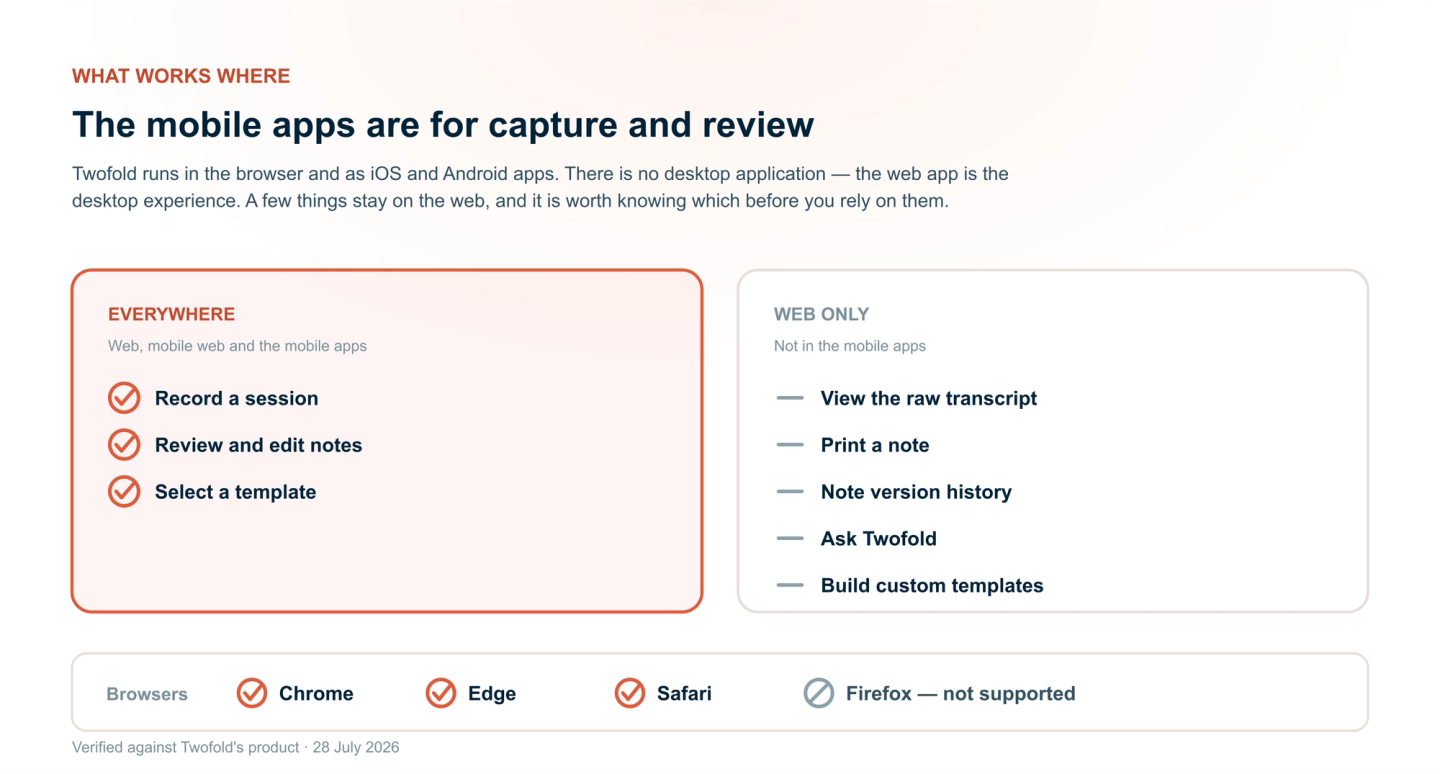
What Works on Which Device
Twofold runs in the browser and as a mobile app for iOS and Android. There is no desktop application — the web app is the desktop experience.
- Browsers: Chrome, Edge and Safari are supported. Firefox is not, because it doesn't give Twofold the microphone access recording requires.
- Mobile web: all four capture modes work in a phone browser.
- The mobile apps are built for capture and review. Some things stay on the web: viewing the raw transcript, printing, note version history, the AI assistant, and creating custom templates. You can select a template on mobile; you build one on the web.
- A recording has to be finished on the device that started it. If you begin on your phone, finish on your phone — Twofold will tell you rather than silently losing it.
Which One Should You Use?
Situation | Use this |
|---|---|
Ordinary in-person session | Capture the conversation |
Telehealth on Chrome desktop | Capture the conversation, session set to virtual |
Telehealth on Safari or tablet | Microphone with headphones, or upload afterwards |
Phone call | Text to note, or dictate a summary after |
Patient declines recording | Dictate a summary, or text to note |
Home visit with no laptop | Record on your phone, upload later |
Writing up a backlog | Upload the recordings, or text to note from your scribbles |
Connection dropped mid-day | Record locally, upload when you're back online |
Bottom Line
Most AI scribes are built around one path: press record, get a note. Twofold gives you four, all on every plan, because the sessions that actually cost you time are the ones that don't fit the default. If you can record, record. If you can't, dictate, type, or upload — and still end the day with the note written. Twofold's 7-day trial takes no credit card, so you can try the awkward visits, not just the easy ones.